A Turn to Learn

Ed Tech Integration in the Elementary Classroom

  • Technology Tutorials
    • Chromebooks
    • PowerPoint
    • Photo Editing
  • Teacher Tips
    • Classroom Organization
    • Classroom Management
    • Techie Tricks
  • Classroom Activities
    • Smartboard Games
    • Teachers Pay Teachers
  • About Me

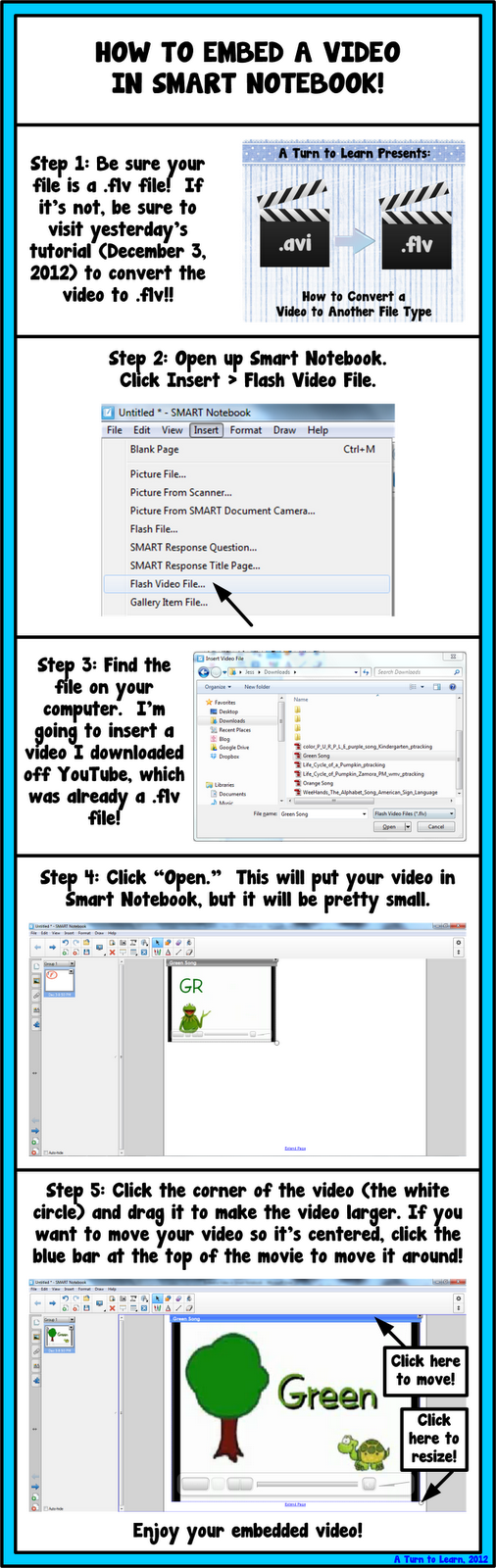
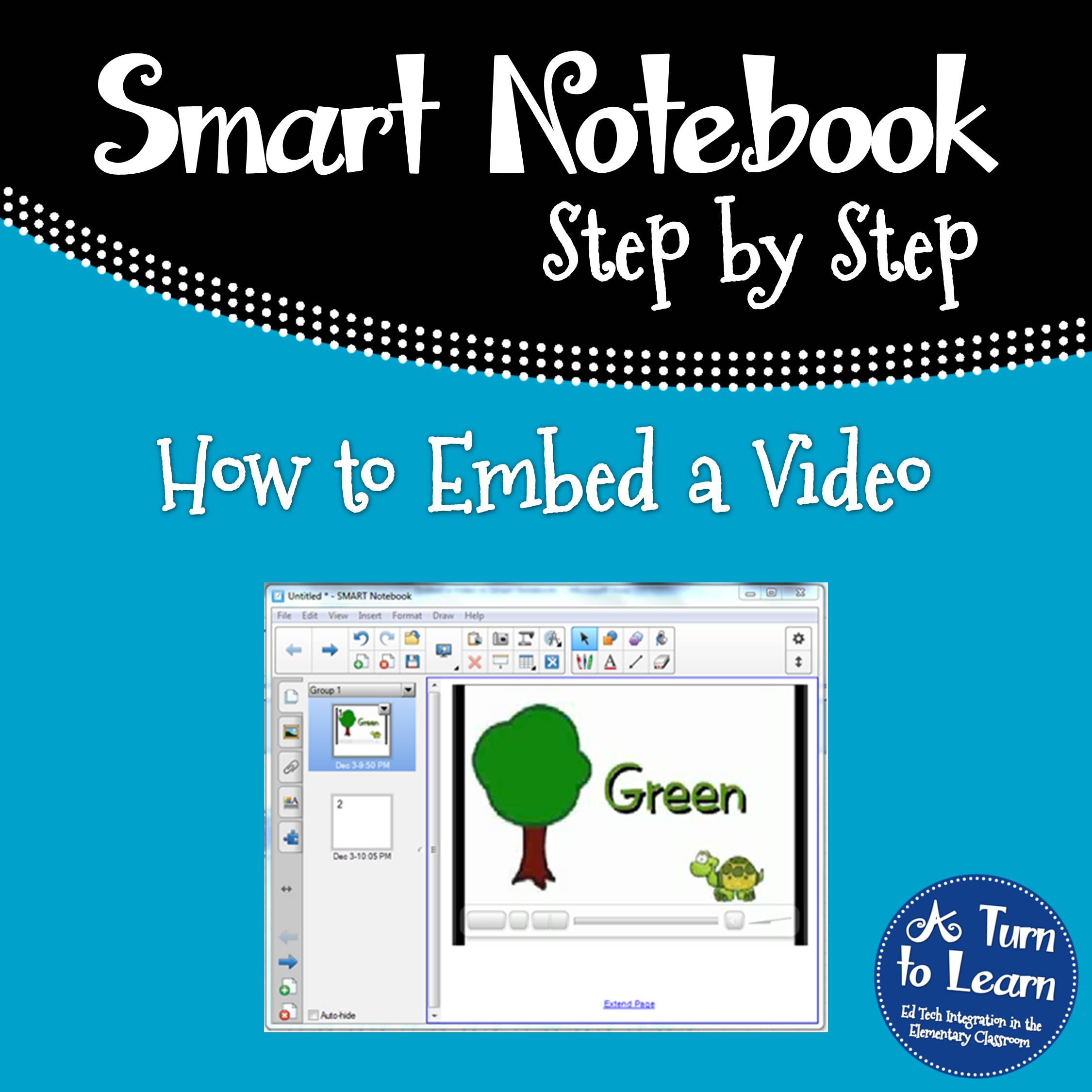
How to Embed a Video in Smart Notebook!

12.04.2012 by Jessica Kings //

It’s Tuesday again, and I am shockingly writing this post before the stroke of midnight! 🙂  The winner of this week’s poll was how to embed a video in Smart Notebook!
How to Embed a Video in Smart Notebook


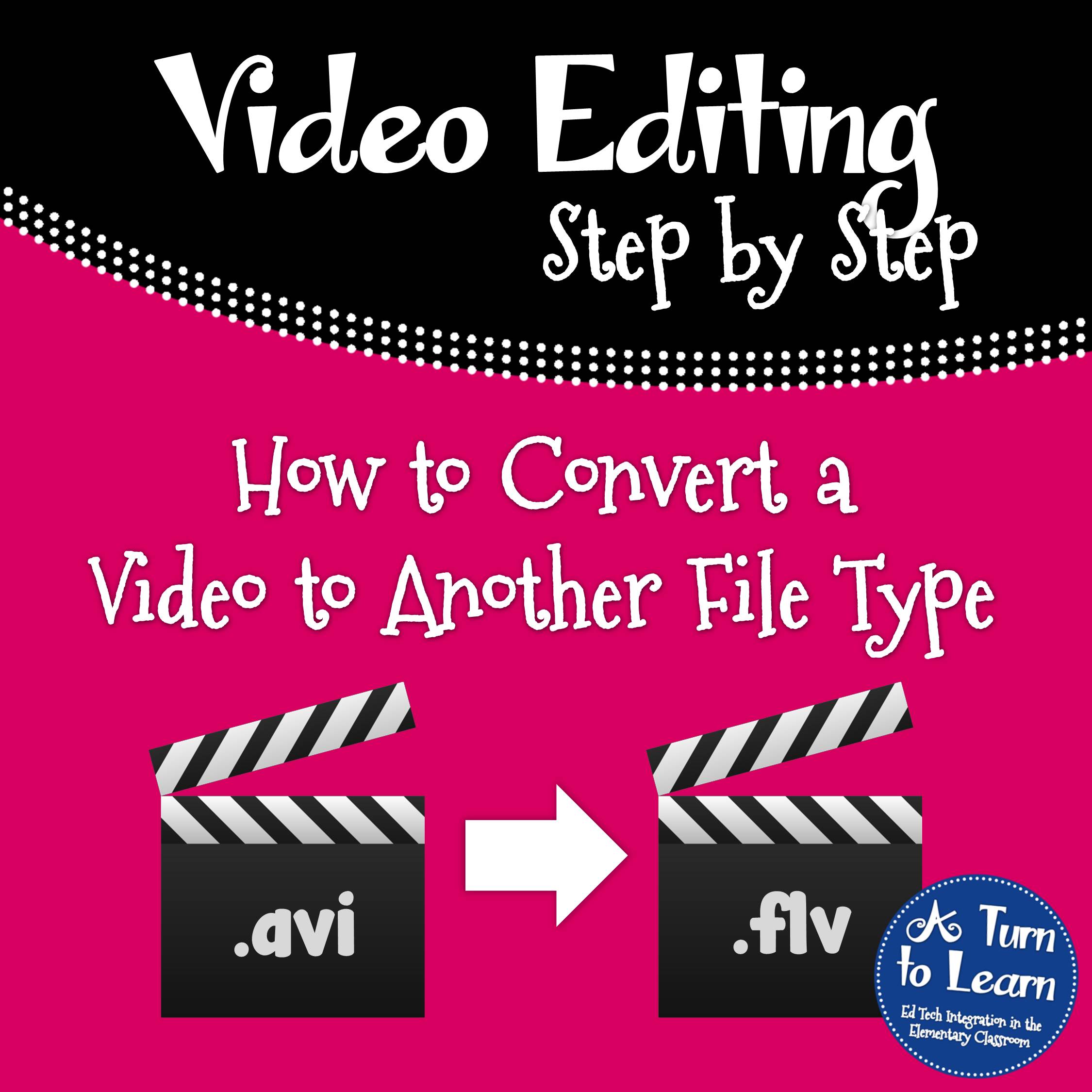
Now, onto the tutorial!  If your video is not .flv, check out yesterday’s tutorial to learn how to convert it!
How to Convert a Video to Another File Type

Now onto the tutorial…


Don’t you just love when the tutorials are short and sweet?  Enjoy!
 

Share this:

  • Facebook
  • Pinterest
  • Twitter
  • Email

Categories // Smart Notebook, Technology Tutorials

Connect

  • Bloglovin
  • Facebook
  • Pinterest
  • YouTube

Search

Categories

Products

Certifications


Tynker Blue Ribbon Educator

Nearpod Certified Educator

Certified Brain Pop Educator

Try This Tutorial

Chromebook Help - Fix a Gigantic Mouse

Help! Fix My Chromebook… My Mouse is Gigantic!

Try This Activity

Chromebook Help - Fix Video Pop Ups in Chrome

Help! Fix My Chromebook… I’m Getting Video Pop Ups!

Popular Posts

  • How to Put Pictures Side By Side in Blogger
    How to Put Pictures Side By Side in Blogger
  • Alphabet Writing/Formation Signs & a Free Frame!
    Alphabet Writing/Formation Signs & a Free Frame!
  • How to See How Many Email Followers You Have and Who They Are
    How to See How Many Email Followers You Have and Who They Are
  • Seamless Classroom Transitions with the "Action Cup!"
    Seamless Classroom Transitions with the "Action Cup!"
  • How to Have Both Portrait and Landscape Slides in One PowerPoint! (-ish!)
    How to Have Both Portrait and Landscape Slides in One PowerPoint! (-ish!)

Copyright © 2026 · Modern Studio Pro on Genesis Framework · WordPress