A Turn to Learn

Ed Tech Integration in the Elementary Classroom

  • Technology Tutorials
    • Chromebooks
    • PowerPoint
    • Photo Editing
  • Teacher Tips
    • Classroom Organization
    • Classroom Management
    • Techie Tricks
  • Classroom Activities
    • Smartboard Games
    • Teachers Pay Teachers
  • About Me

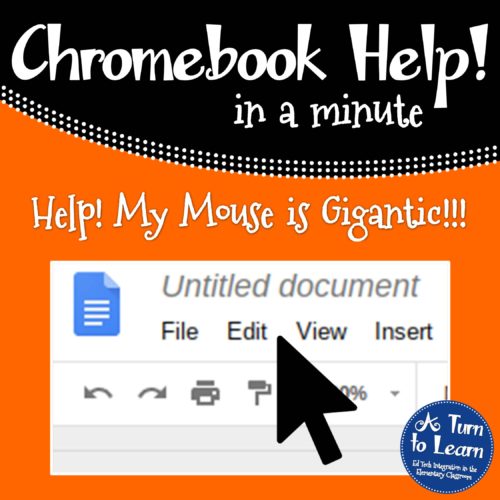
Help! Fix My Chromebook… My Mouse is Gigantic!

07.17.2018 by Jessica Kings //

I don’t understand why, but for some reason making the mouse on a Chromebook gigantic is something that students find fascinating. In the scheme of things, it’s really not a big deal, just a simple visual change that students seem to absolutely love. Perhaps it’s just one of my pet peeves, but unless one of my students needs a bigger mouse due to a visual impairment, I just don’t see the point of it!

If one of your students (or perhaps a substantial portion of your class!) has been changing the mouse so that it looks absolutely gigantic, it’s actually a really quick fix. Well it’s totally up to you if you want to let them keep the bigger mouse cursor, it’s still good to know how to make it go back to normal.


Help! Fix My Chromebook… My Mouse is Gigantic!

All you have to do to fix this issue is:

  1. Click the picture in the bottom right-hand corner of your Chromebook screen and click the word “Accessibility.”
  2. Look for where it says “Large mouse cursor” and uncheck that option.

Watch this video to see this fix in action!

It’s a quick and easy fix to get the mouse back to normal! Enjoy!
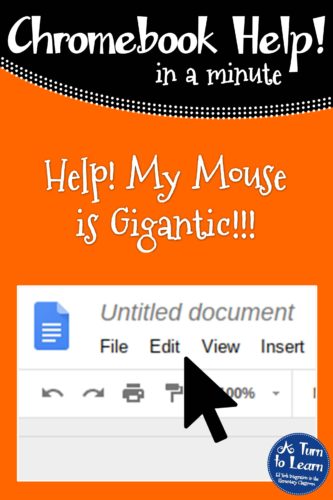
Chromebook Help - Fix a Gigantic Mouse

Share this:

  • Facebook
  • Pinterest
  • Twitter
  • Email

Categories // Chromebooks

Connect

  • Bloglovin
  • Facebook
  • Pinterest
  • YouTube

Search

Categories

Products

Certifications


Tynker Blue Ribbon Educator

Nearpod Certified Educator

Certified Brain Pop Educator

Try This Tutorial

Chromebook Help - Fix Video Pop Ups in Chrome

Help! Fix My Chromebook… I’m Getting Video Pop Ups!

Try This Activity

Chromebook Help - Screen Looks Like a Negative Image

Help! Fix My Chromebook… My Screen Looks Like a Negative Image!

Popular Posts

  • How to Put Pictures Side By Side in Blogger
    How to Put Pictures Side By Side in Blogger
  • How to Make a 4" x 6" Document in PowerPoint
    How to Make a 4" x 6" Document in PowerPoint
  • How to Figure Out What Font Is Missing From Your Editable Document
    How to Figure Out What Font Is Missing From Your Editable Document
  • How to Make Any Picture a Coloring Page!
    How to Make Any Picture a Coloring Page!
  • How to See What's Been Pinned Recently From Your Blog!
    How to See What's Been Pinned Recently From Your Blog!

Copyright © 2026 · Modern Studio Pro on Genesis Framework · WordPress