I’ve heard about the hand signals that teachers all over use, and I absolutely loved the idea, but I wanted to do something a bit different with my class. I thought back to when I was in elementary school and one of my teachers taught us the pledge in sign language. I have a second cousin who is deaf and speaks sign language, and I thought it was the coolest thing to learn something that I could use to “communicate” with him.
So… it hit me! I decided to teach my class sign language!
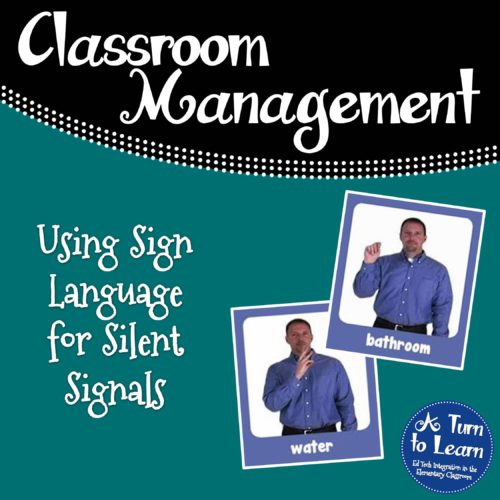
We learned so many different words, and my students constantly asked if we could go to the website Signing Savvy to learn more! It totally revolutionized my classroom. Suddenly, everything was sign language. No longer did students call out “Is it time to erase the board yet?” Instead, they used sign language!
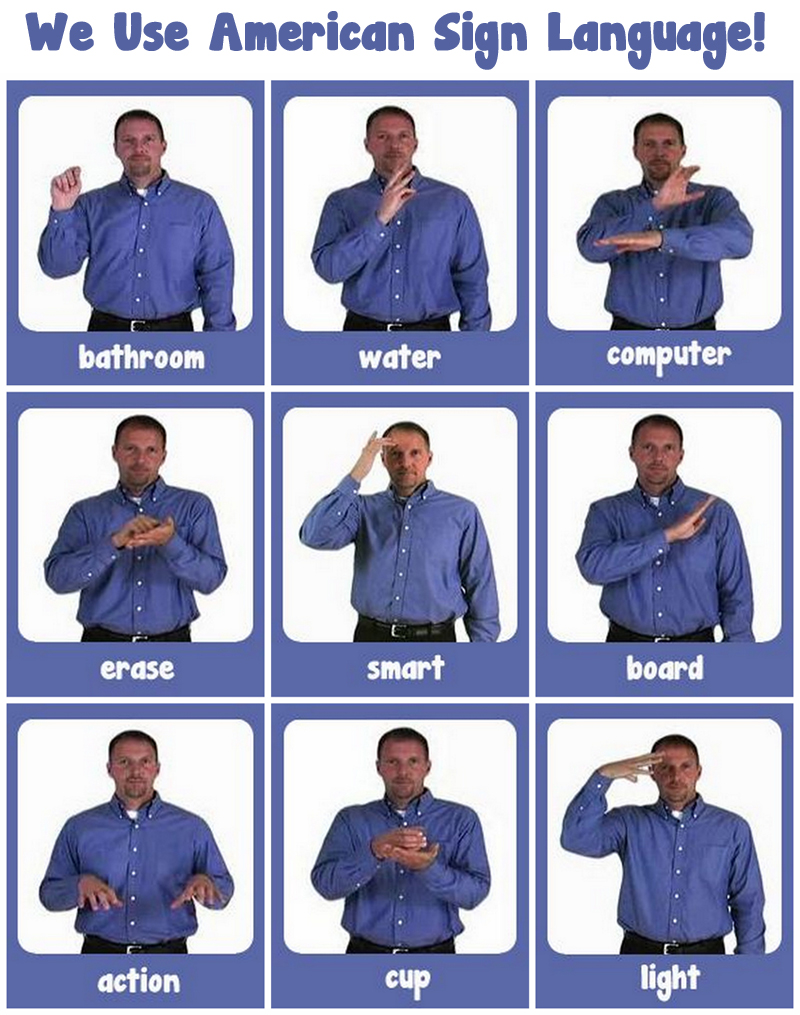
Click the pictures below to see an animated video to learn how to sign each of the words, then download the poster at the bottom of the page to post in your classroom as a reminder to your students!





For the next two words, we combine two different signs.




Here’s a free sign language poster to hang in your classroom!
To save the file, just click the image to get to the higher quality picture, then right click (or Mac: Ctrl + Click) to save the image onto your computer!




Cool idea! That would certainly minimize interruptions of kids asking me to go get a drink or use the bathroom.
Diane
Fifth in the Middle
I use a system where each child gets 5 paper fish (could be any picture) on Monday. They use them to go to the bathroom or get a drink if they need to do so at a time when we are not already taking a whole-class break. Every Friday, students can turn in 5 fish for a prize from our Treasure Chest. It may take them a week or two to save up 5 fish, but it works to minimize interruptions (they just hang the fish up on a clip when they leave and put it in a bowl when they return).
I love this idea. I need to try this with my class. Thanks so much for sharing!
LifeInSpecialEducation
That's so awesome! I love using sign language in class. None of my current students sign very much – but they still LOVE learning it. And it's great motor planning too!
Brie @ Breezy Special Ed
Fabulous! I'm featuring this post on Bagels and Blogs tomorrow. 🙂
Donna
Math Coach’s Corner
LOVE it! In my classroom we use sign for bathroom, water, wait, thank you, agree, disagree & all of the alphabet!
Thanks for sharing!
Vanessa
Kindergarten Schmindergarten
I use the bathroom and water signs as well. I think it really helps minimize interruptions!
Jenn
Finally in First