If you’re in the mood to do some spring cleaning, why not clean up your library by reorganizing it? I absolutely love the way I organize my classroom books! Like most teachers, I use labels on my book bins that have pictures, but, I went even further than that! I put matching labels on each book so that the children put them back in the right bin! The system is so simple that even a preschooler can use it!
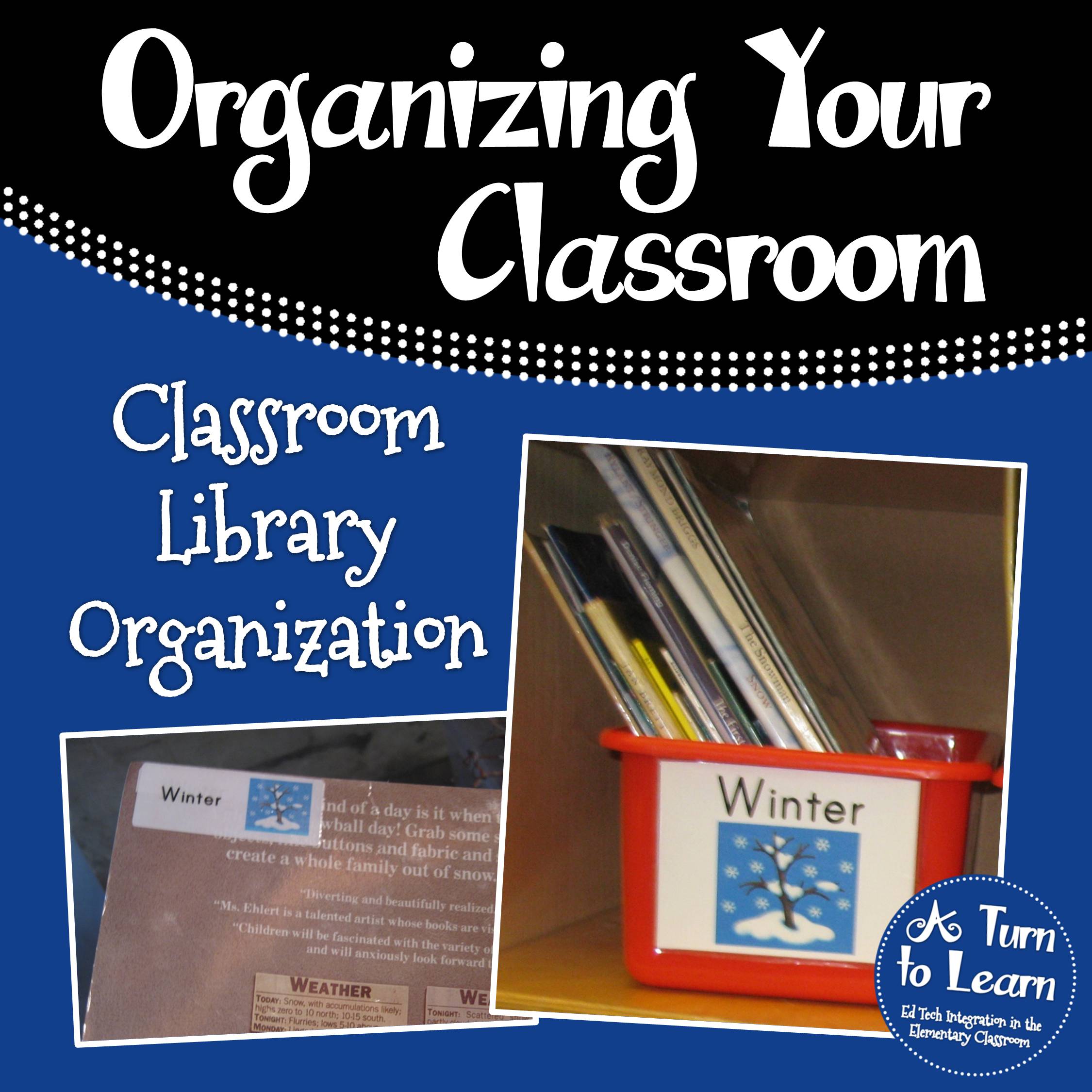
Having the label on the back of the book and on the bin makes it easy for my Kindergarten pre-readers to put their books away!
I actually ended up making two different sized labels for the bins themselves… one set of labels are 5″ x 3.75,” which is the perfect size for many book bins, including Lakeshore bins (LC91 & YB10). The other set is slightly smaller at 3.75″W x 2.8″H… which would be perfect for thinner bins.
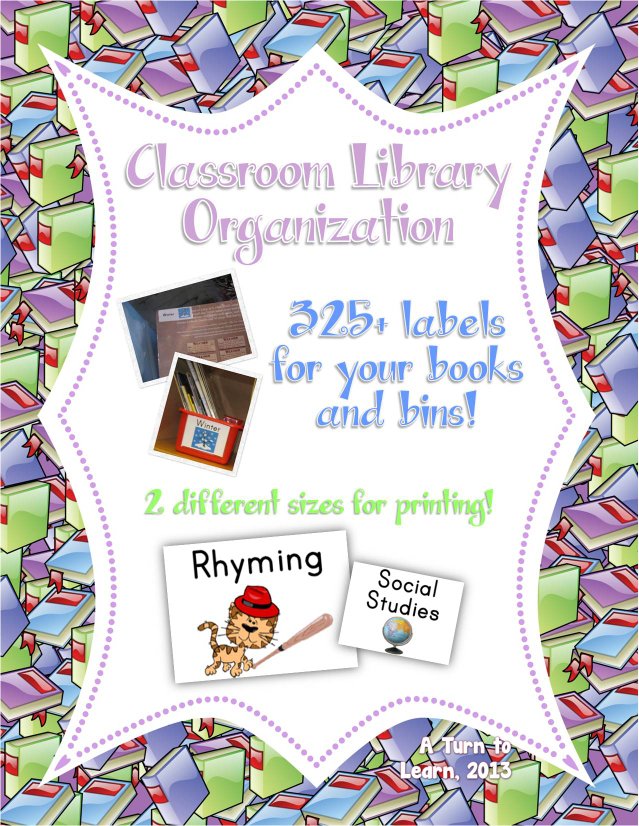
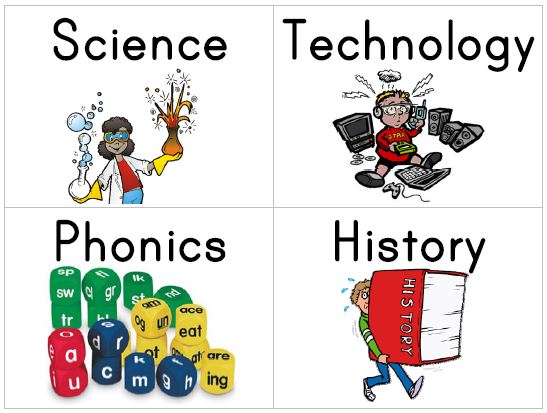
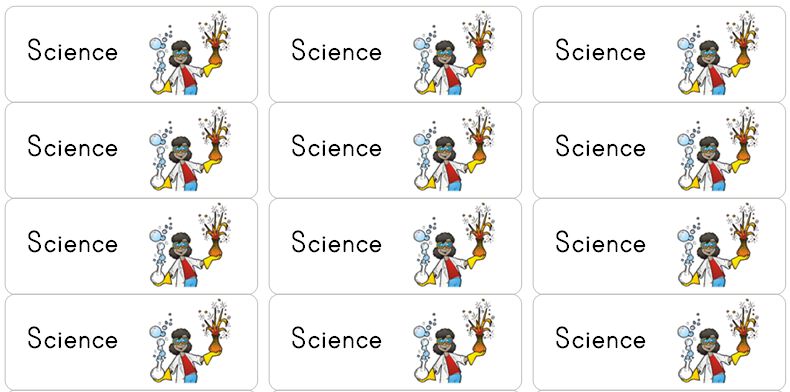
The labels for the books are easy to print… they line up perfectly on Avery 5160 labels, so all you have to do is peel and stick! I put the labels on the back cover of my books so they can consistently be placed in the corner without covering any text on the front of the book! Plus, it’s the perfect way to introduce young students to the phrase “back of the book,” which is on many Kindergarten reading assessments!
I’ve also made quite a few updates to this set over time… which include labels for different reading levels and editable labels for both the bins and books!
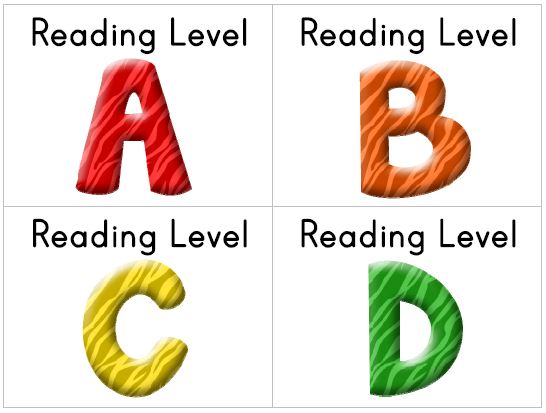
This library organization system is sure to help your kindergarten and pre-k students keep the classroom library organized!



I have the same system for organizing my classroom. Great minds think alike!
I've given you the One Lovely Blog award. Stop by to check out all the details.
Maria from
Kinder-Craze
Thanks for the award! Great minds really do think alike!
Great ideas!
Awesome idea! This looks like a great summer project. I will buy this in a couple months. Thanks for offering to add more labels upon request!
So glad you like it! Feel free to let me know any additional topics you might want in advance so I can have them all ready for you!
Does the label for the bin go with a specfic Avery label? Or do you print onto paper or cardstock and just tape it onto the bin?
The labels are for Avery label 5160. Somewhere up in the post I have to link to buy them on Amazon if you want them.
Love this system!!! Very cute too!
Marie
http://www.cotesclass.blogspot.com
LOVE your library organization system!
Tanya
http://www.aplusfirsties.blogspot.com
Oh my! I want this! Thanks for creating this. I will definitely be buying it soon!