A Turn to Learn

Ed Tech Integration in the Elementary Classroom

  • Technology Tutorials
    • Chromebooks
    • PowerPoint
    • Photo Editing
  • Teacher Tips
    • Classroom Organization
    • Classroom Management
    • Techie Tricks
  • Classroom Activities
    • Smartboard Games
    • Teachers Pay Teachers
  • About Me

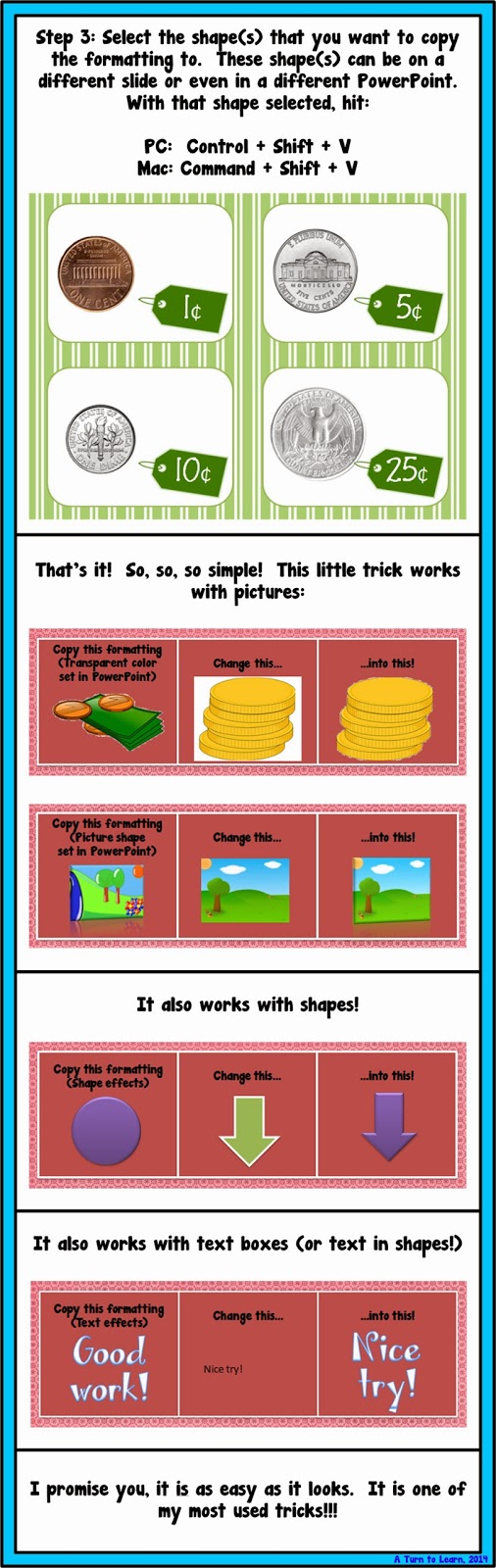
Change the Colors/Features of items on Different Slides in PowerPoint!

01.15.2014 by Jessica Kings //

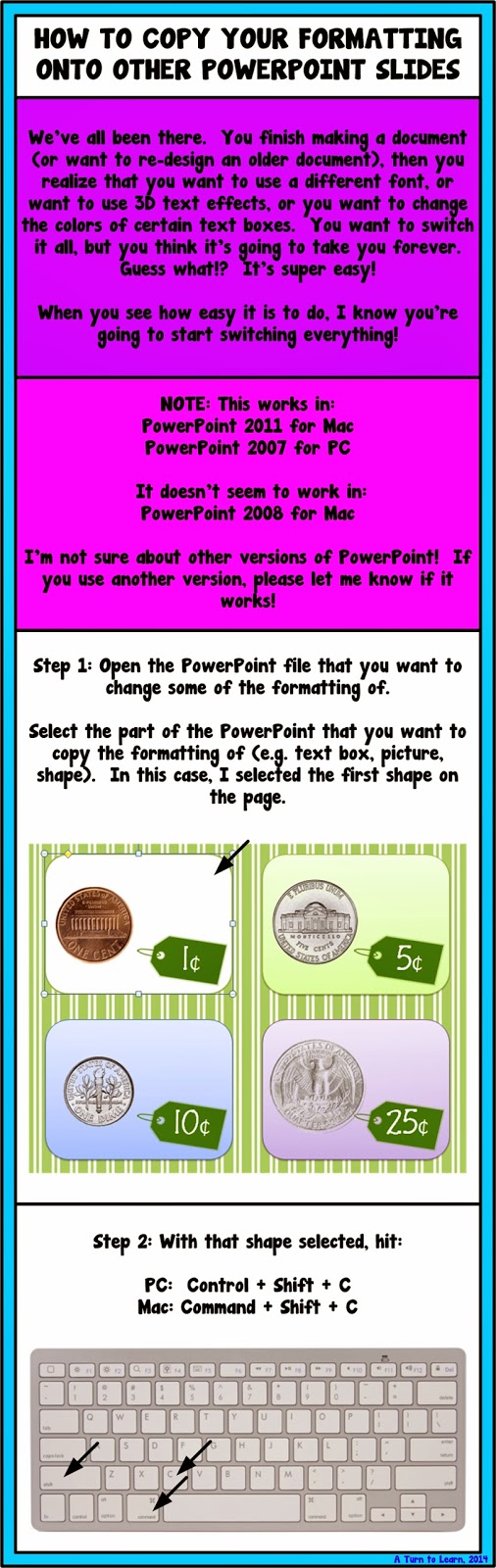
This is the PowerPoint trick that you never knew you needed!  We’ve all been there.  You finish making a document (or want to re-design an older document), then you change your mind about what font or color scheme you want to use.  It’s such a pain to switch each item individually… but no worries, it’s super easy to switch!
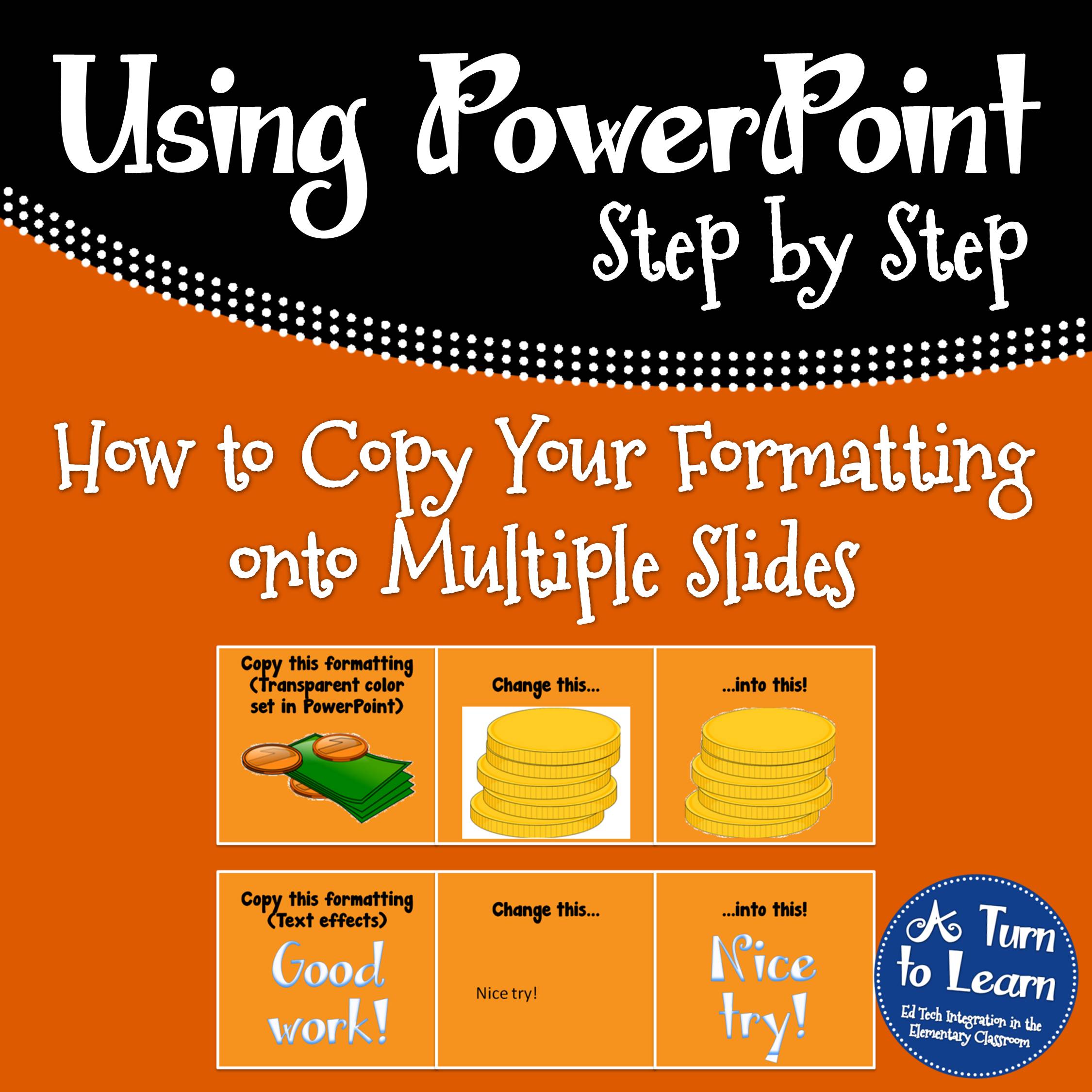


Please note, this doesn’t work in all versions of PowerPoint.  Please let me know if it works/doesn’t work in your PowerPoint version!


If you want to know how to change the formatting in the first place, try these tutorials:
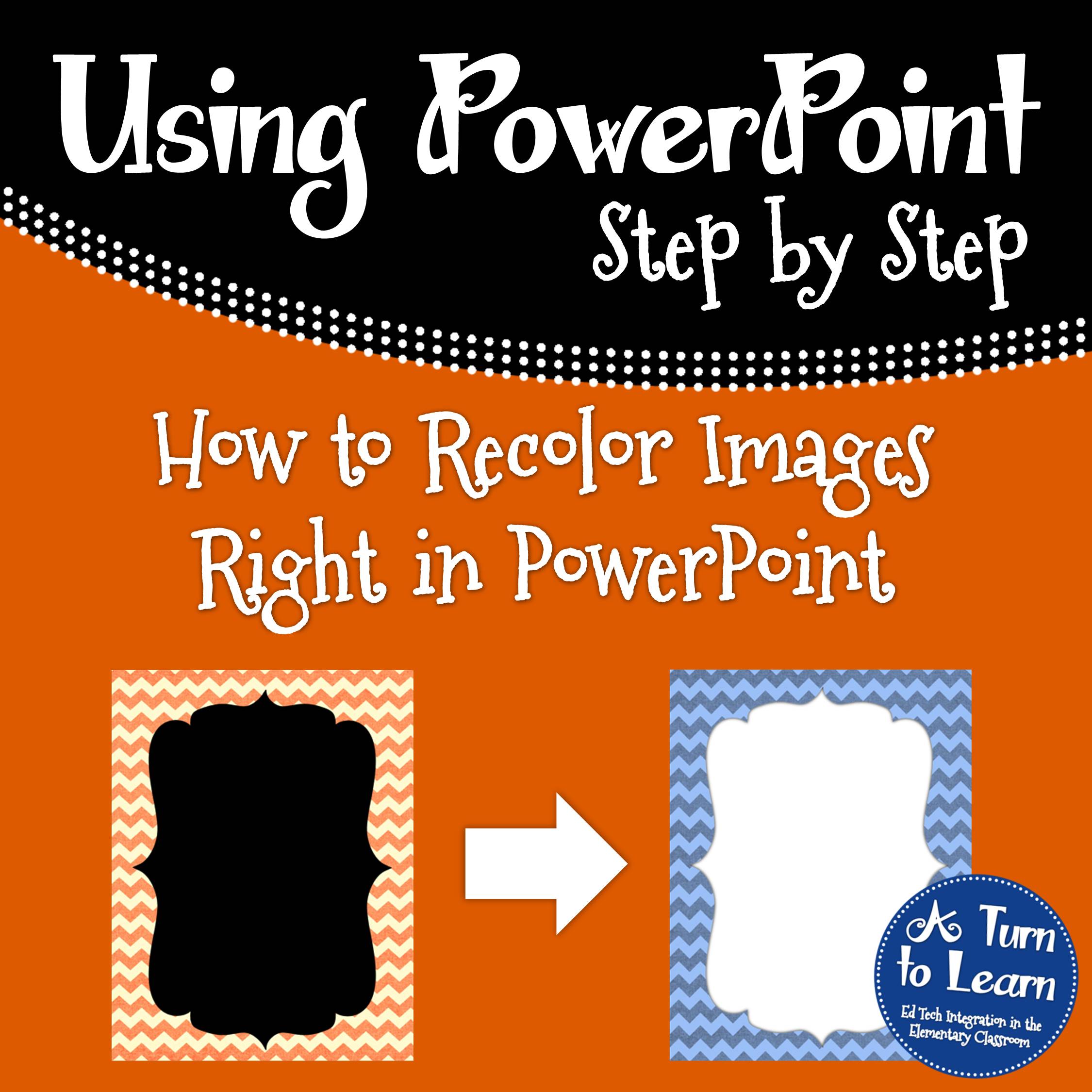
 How to Recolor Images Right in PowerPoint... such an awesome trick if you make presentations or documents in PowerPoint!     

Happy creating!

Share this:

  • Facebook
  • Pinterest
  • Twitter
  • Email

Categories // PowerPoint, Technology Tutorials

Connect

  • Bloglovin
  • Facebook
  • Pinterest
  • YouTube

Search

Categories

Products

Certifications


Tynker Blue Ribbon Educator

Nearpod Certified Educator

Certified Brain Pop Educator

Try This Tutorial

Chromebook Help - Fix a Gigantic Mouse

Help! Fix My Chromebook… My Mouse is Gigantic!

Try This Activity

Chromebook Help - Fix Video Pop Ups in Chrome

Help! Fix My Chromebook… I’m Getting Video Pop Ups!

Popular Posts

  • How to Put Pictures Side By Side in Blogger
    How to Put Pictures Side By Side in Blogger
  • Alphabet Writing/Formation Signs & a Free Frame!
    Alphabet Writing/Formation Signs & a Free Frame!
  • How to See How Many Email Followers You Have and Who They Are
    How to See How Many Email Followers You Have and Who They Are
  • Seamless Classroom Transitions with the "Action Cup!"
    Seamless Classroom Transitions with the "Action Cup!"
  • How to Have Both Portrait and Landscape Slides in One PowerPoint! (-ish!)
    How to Have Both Portrait and Landscape Slides in One PowerPoint! (-ish!)

Copyright © 2026 · Modern Studio Pro on Genesis Framework · WordPress